Stay confidently in control of Sweo with full visibility into configuration changes. The changelog provides a timestamped record of updates to Guidance, Tasks, and Content, showing who made each change and helping your team stay in sync as Sweo evolves.
Use cases:
Stay in sync by seeing a timestamped record of all configuration updates.
Debug issues faster by identifying recent edits that may have affected performance.
Review teammate changes to understand how Guidance, Tasks, or Content were modified and by who.
Search for updates to quickly find a specific change or configuration.
How to use the changelog
Navigate to Changelog in the main navigation menu.
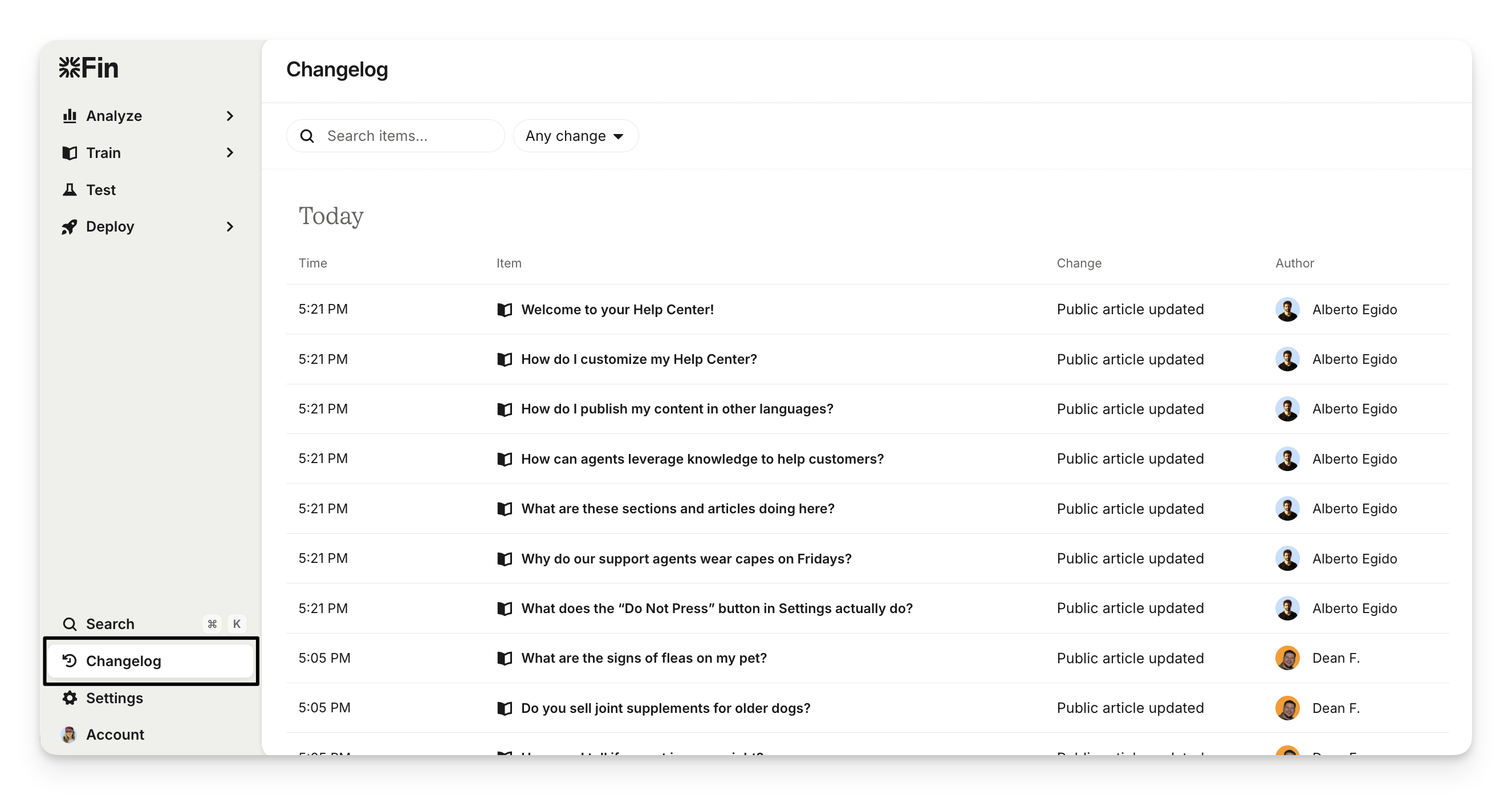
Review the list of configuration updates shown in timestamp order.
Click any entry to open the related configuration (e.g., Guidance, Task, or Content).
Use the search bar to find a specific change or filter through historical updates.
What the changelog includes
Timestamp: Every entry records the exact date and time the change was made.
Configuration type: You’ll see whether the update was related to Sweo Guidance, a Task, or Content.
Direct links: Each entry includes a link to the configuration so you can quickly view details.
Teammate information: The changelog shows who made each change to help you understand ownership and context.
Note: The changelog only records updates to Sweo configurations which have been set live. For example, changes made to a Sweo Task in draft won't appear until the changes are set live/enabled for Sweo.
FAQs
What types of changes appear in the Sweo changelog?
What types of changes appear in the Sweo changelog?
Only changes to enabled Guidance, Tasks, and Content are recorded. Draft changes do not appear.
Can I filter or search for specific changes made to Sweo's setup?
Can I filter or search for specific changes made to Sweo's setup?
Yes. You can search or filter the Changelog to quickly locate a specific configuration or update.