Brands maintain voice and policy through several control layers in Sweo:
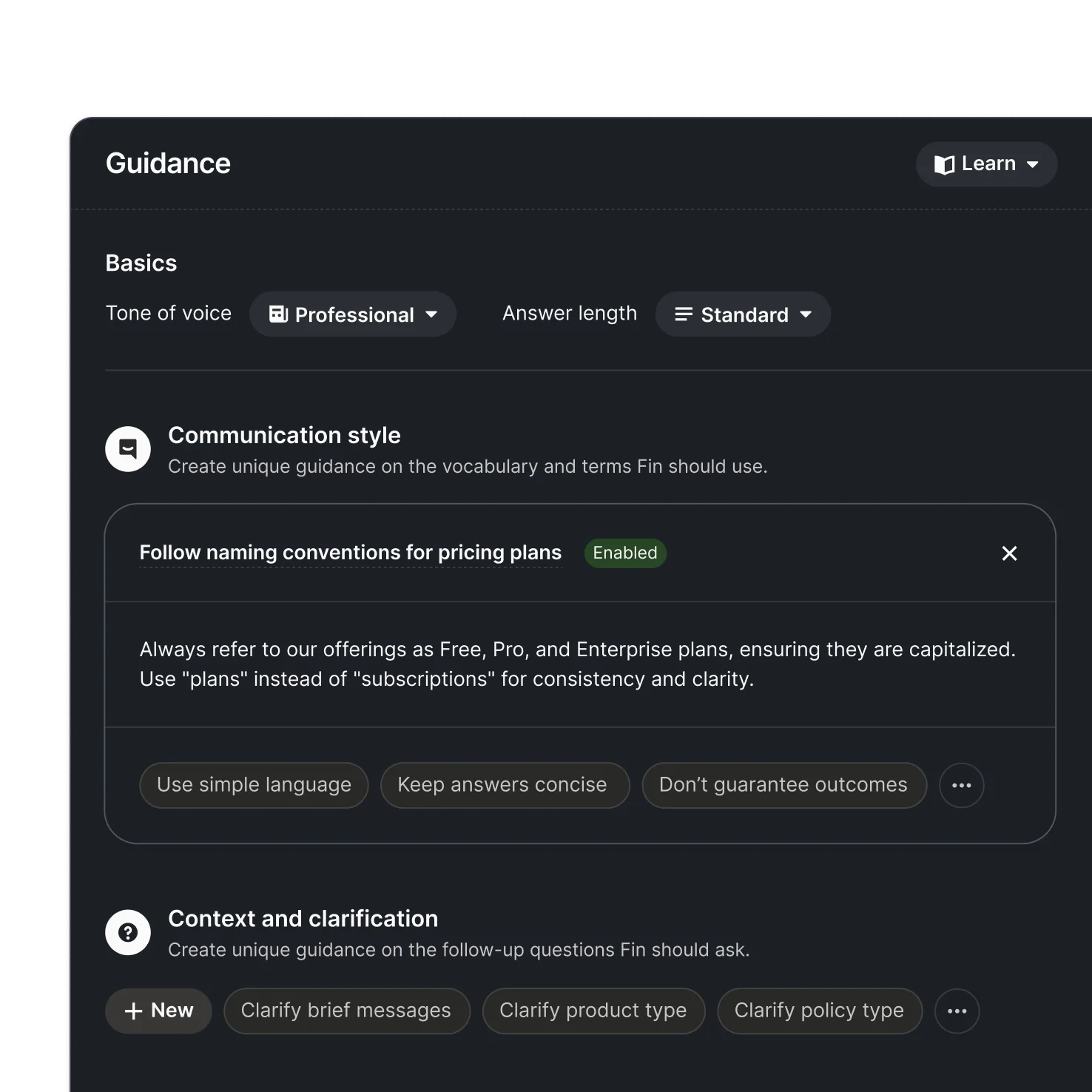
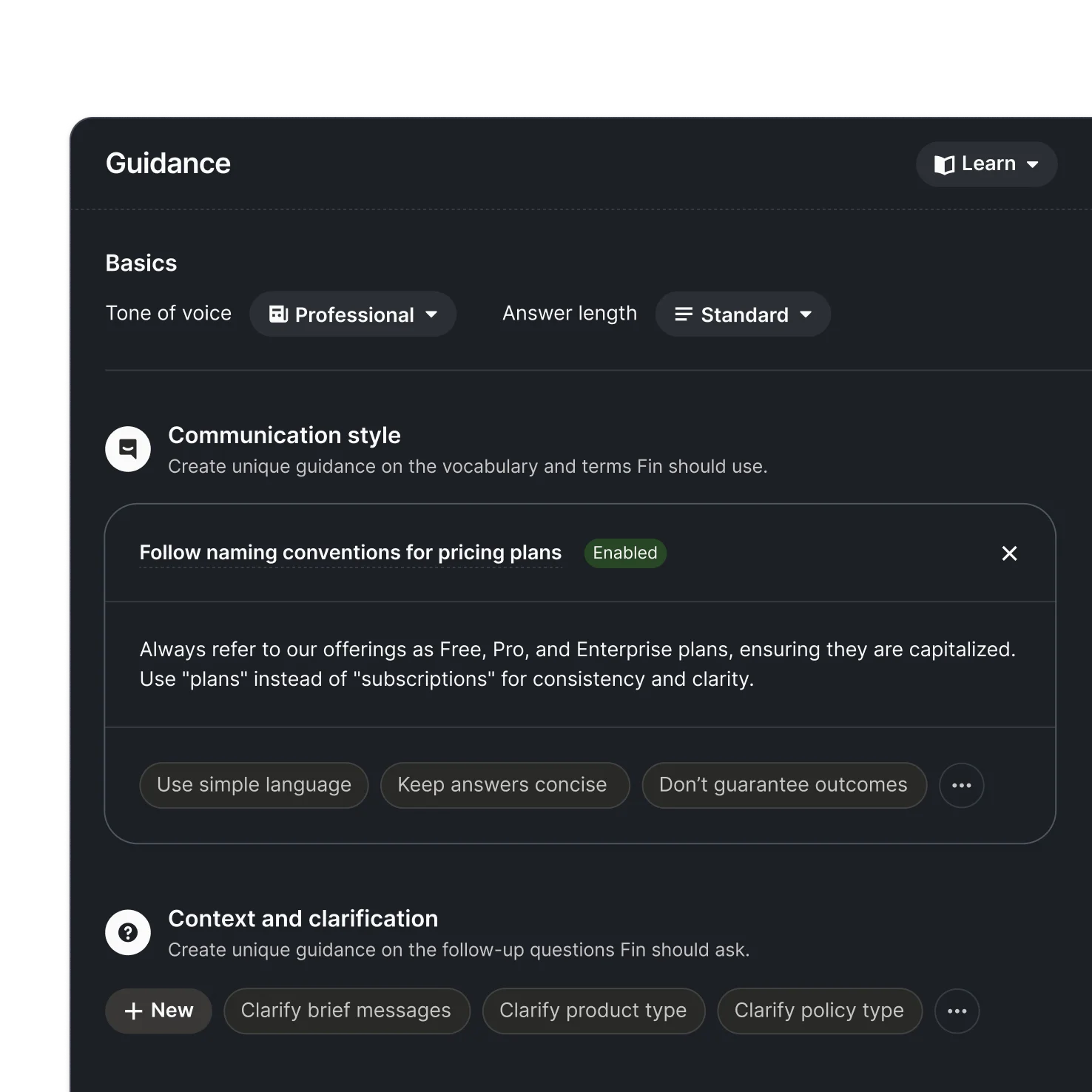
Tone of Voice - You can customize Sweo's personality by choosing from options like professional, friendly, humorous, and more. You also control answer length, from shorter and concise to longer and more thorough. These settings apply across all languages you support.
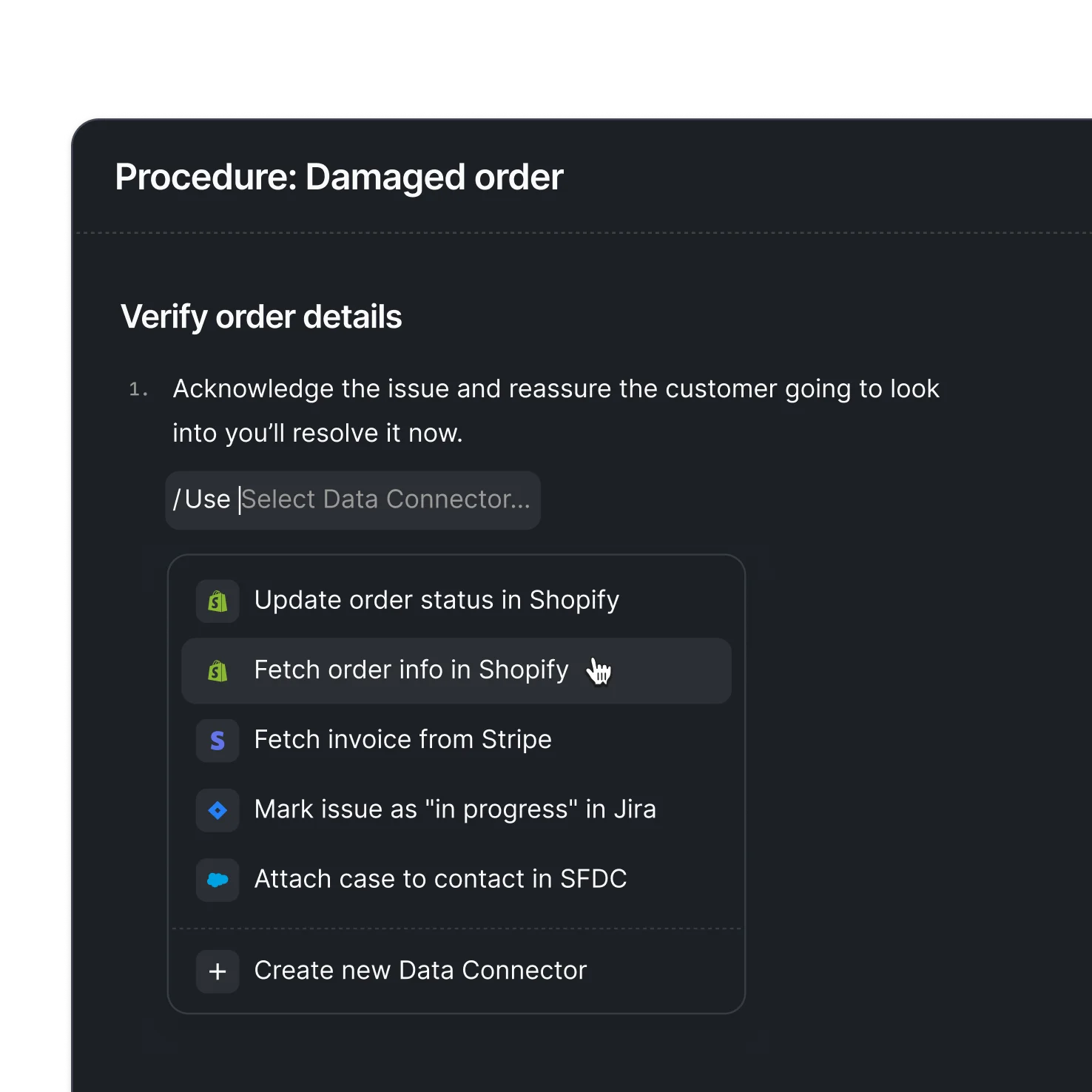
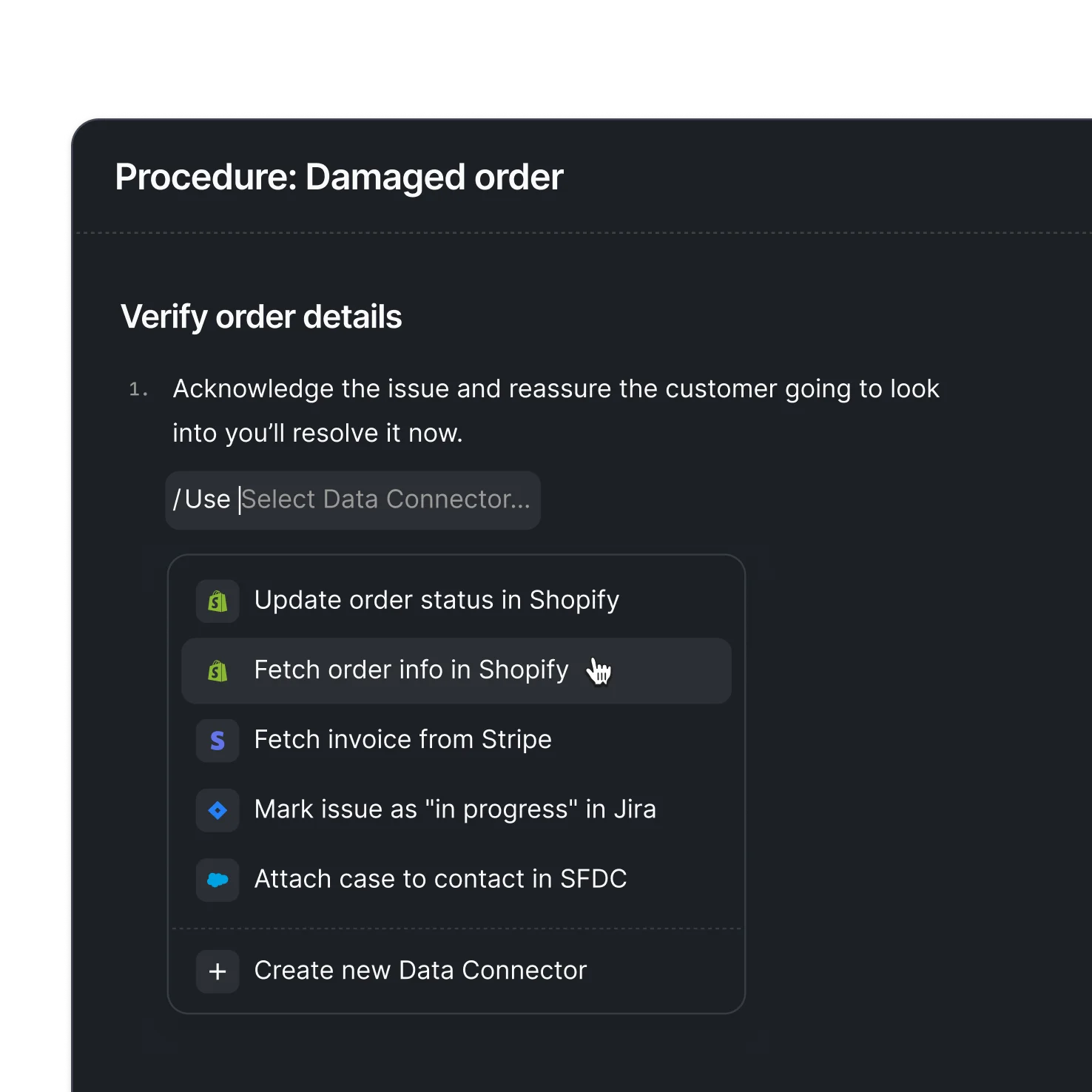
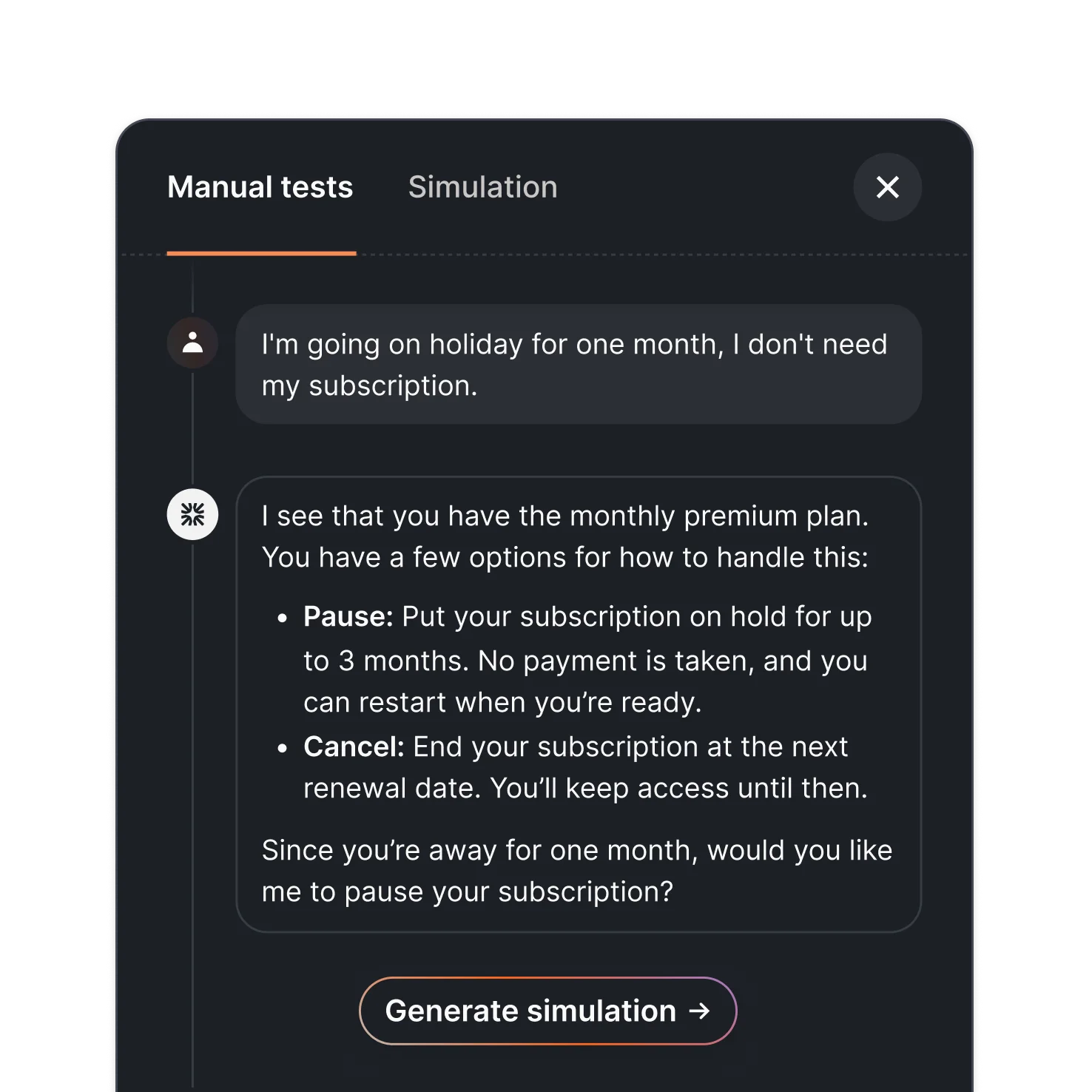
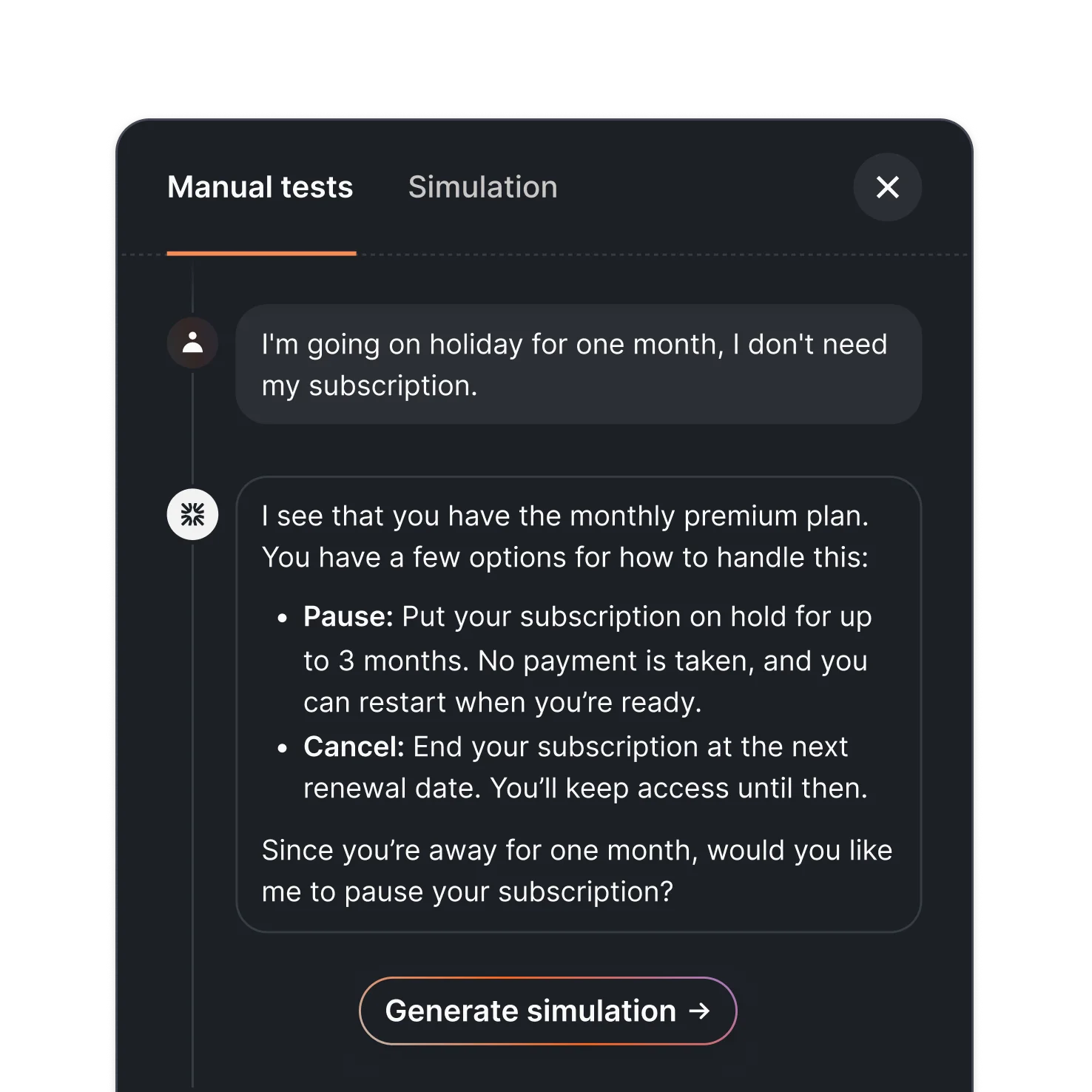
Guidance - This is where you coach Sweo on how it should answer questions. You can provide custom instructions to ensure Sweo always follows your specific support policies and communication style. For example, you can define specific vocabulary and terms Sweo should use, create rules for follow-up questions, and set handover/escalation rules.
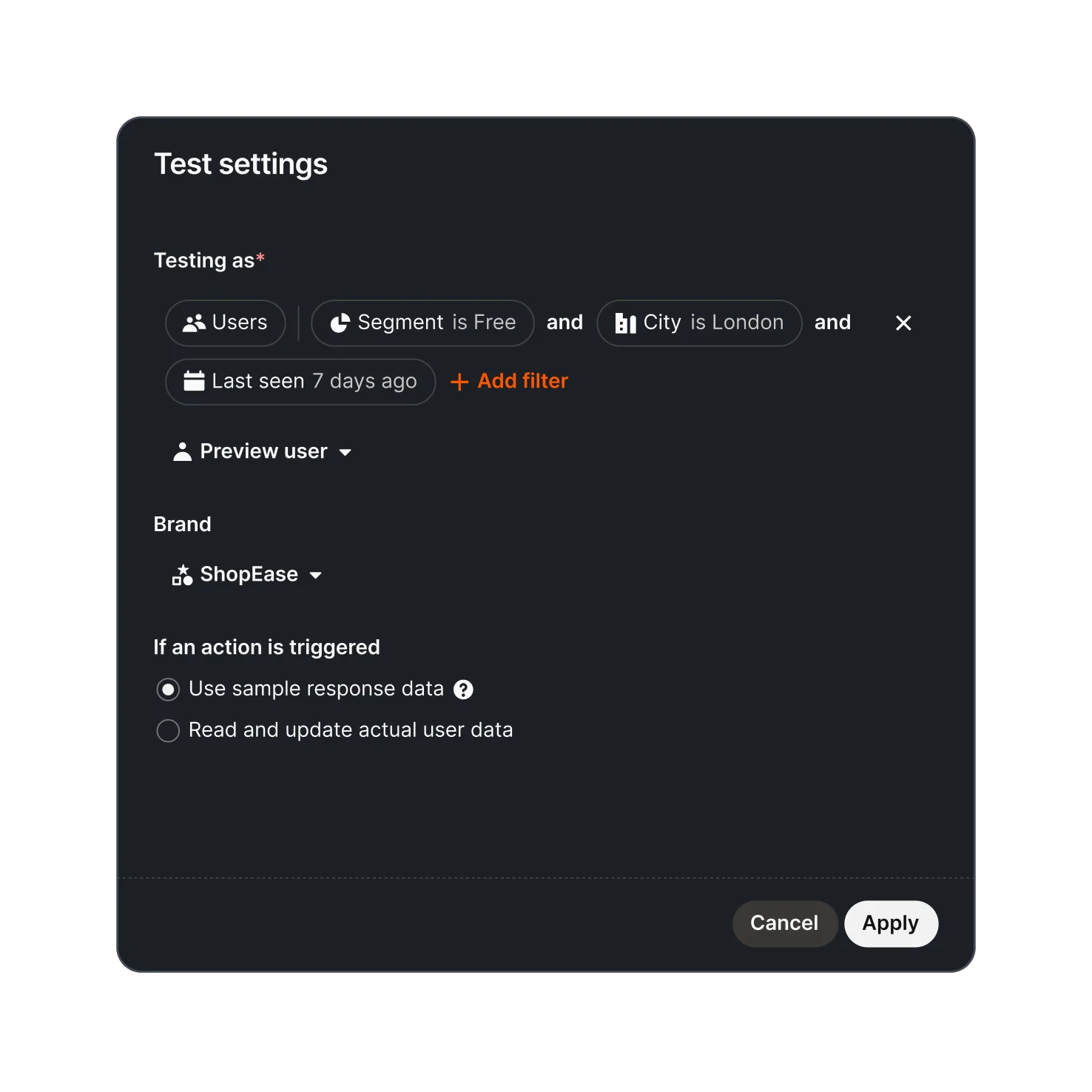
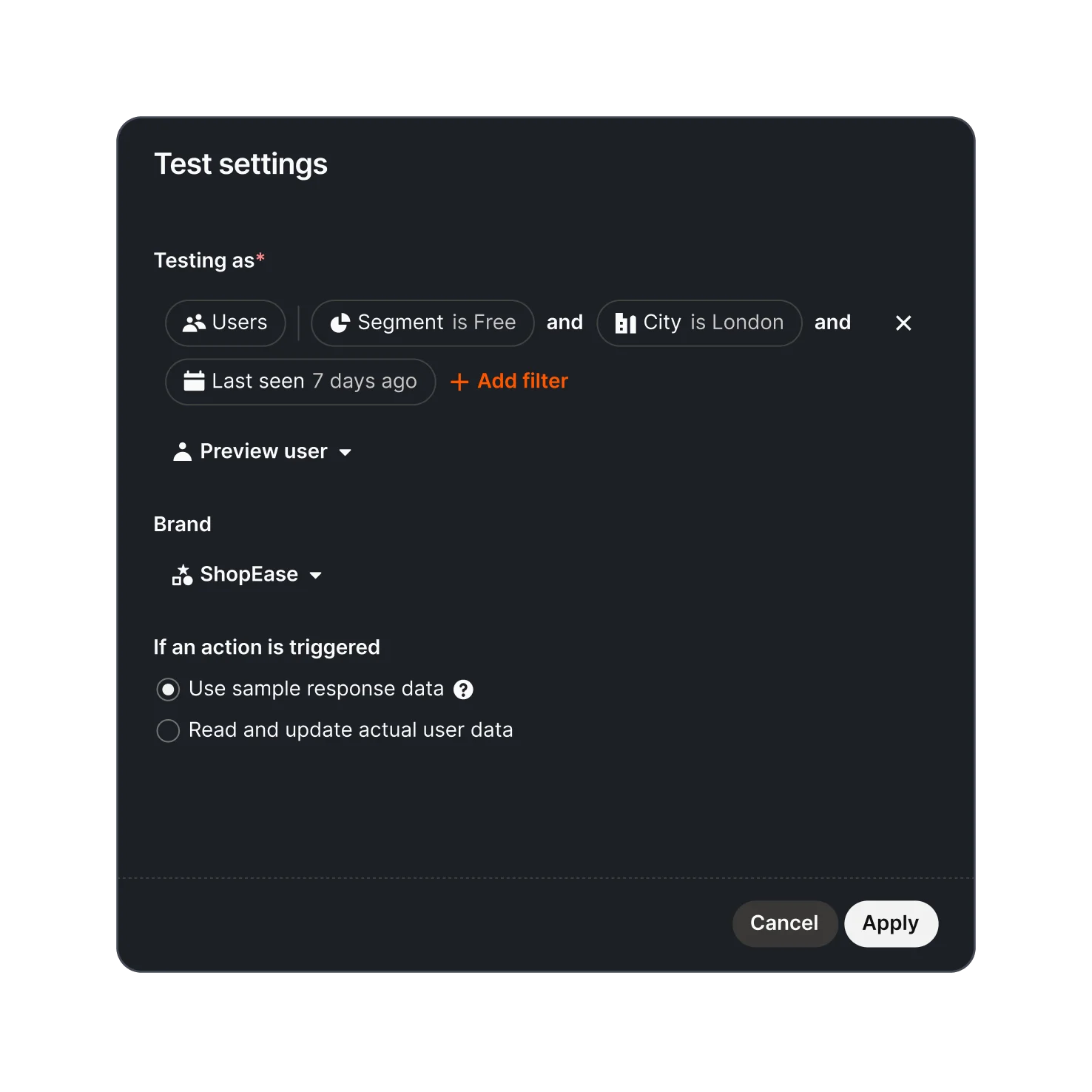
Content Targeting - Sweo can target content to customers based on their plan, location, brand, and more. You specify what content is relevant for specific customer groups, ensuring Sweo only gives relevant answers to the right audiences.
These controls work across all channels—chat, email, and even phone calls, though voice guidance is configured separately.